The camera is locked
The photo comes back from exactly the angle you exported. The engine measures the camera first, then renders into it.
Upload a model export and get back studio photography of the same object, panel for panel. Cars, furniture, machinery and tools.
Click on an image to render it
Clearcoat Studio turns design files into product photography. Same camera, same proportions, every edge where you modelled it. The only things we add are light, material and finish.
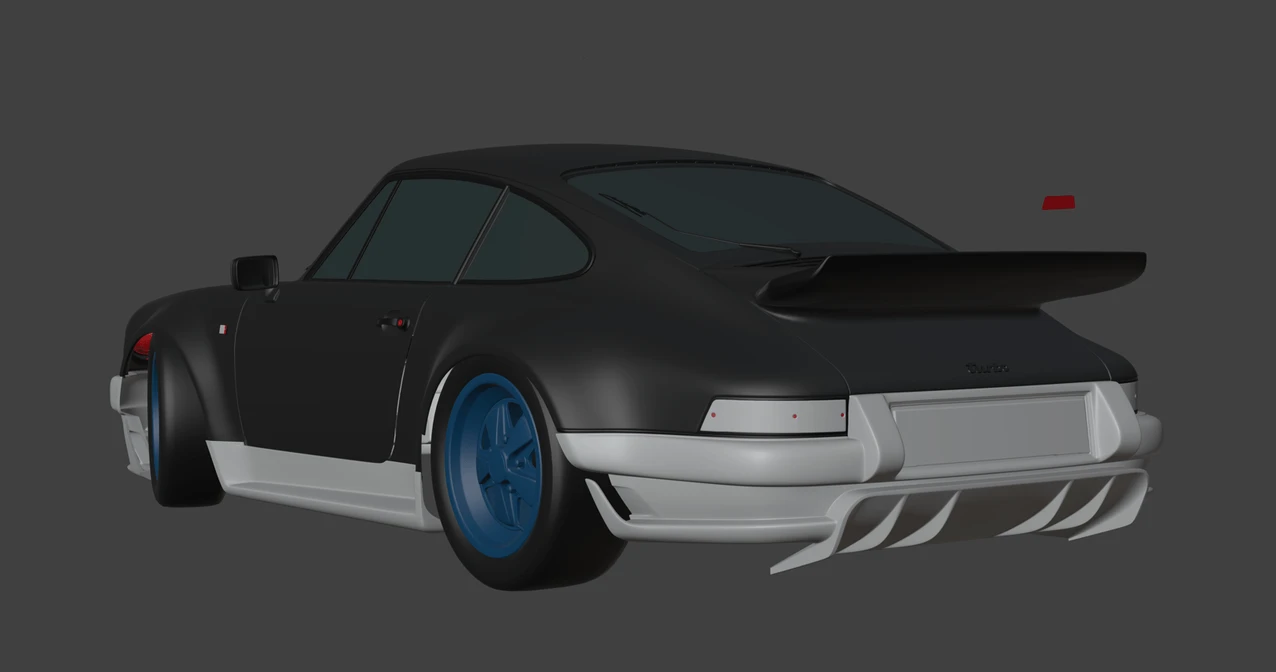
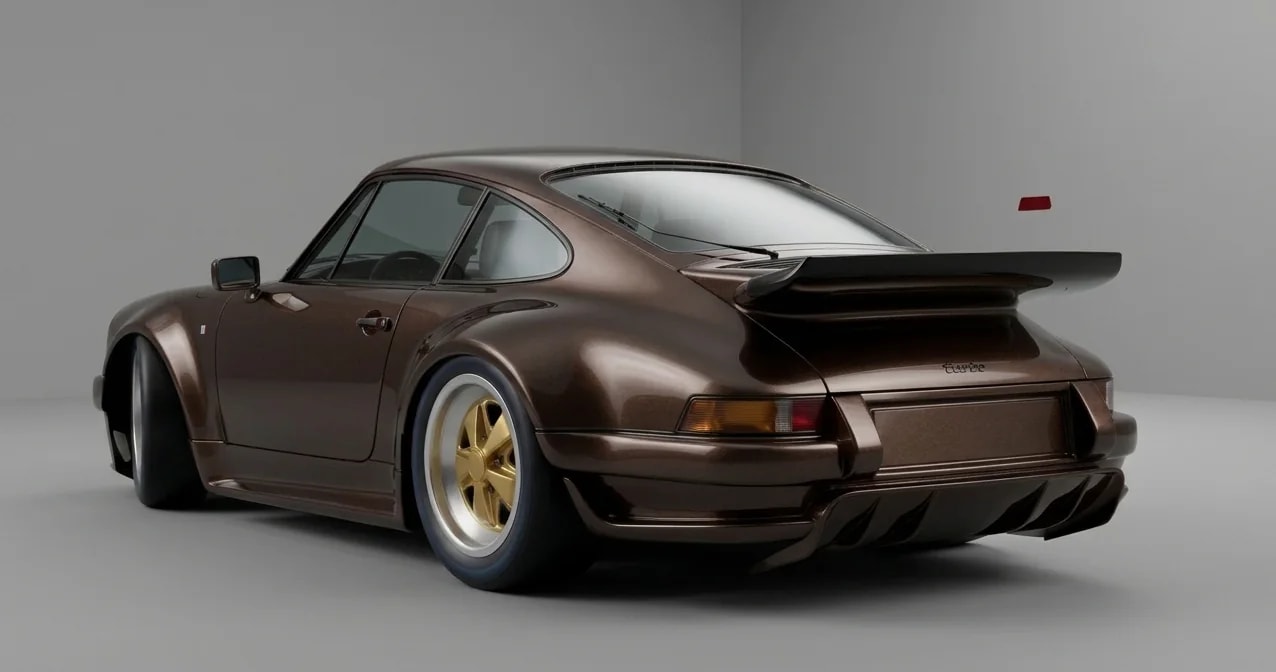
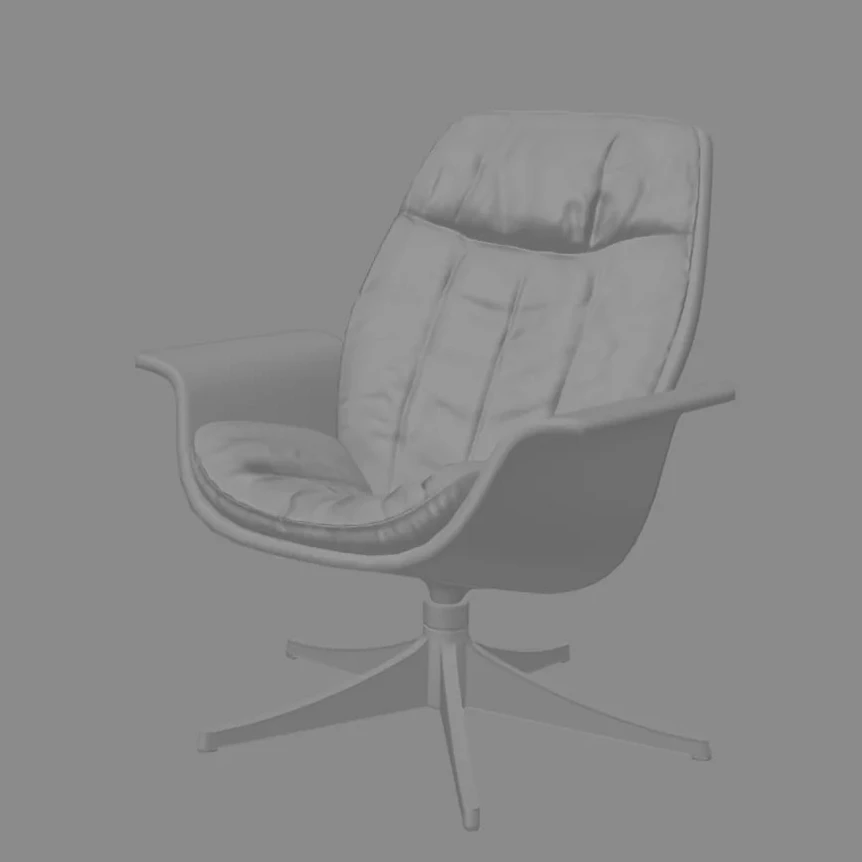
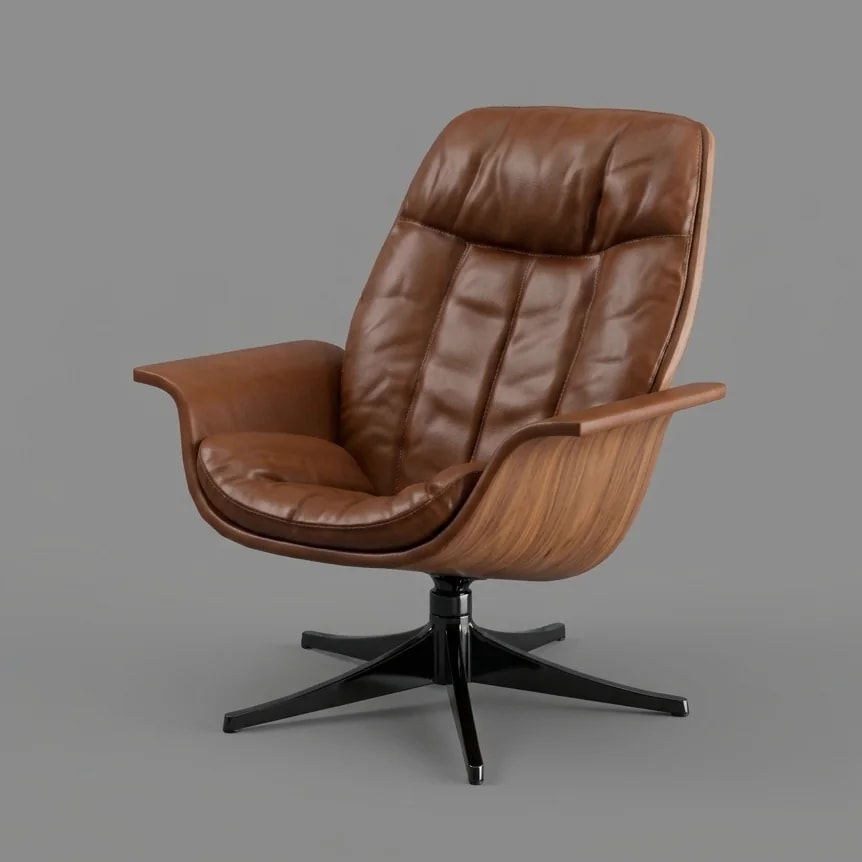
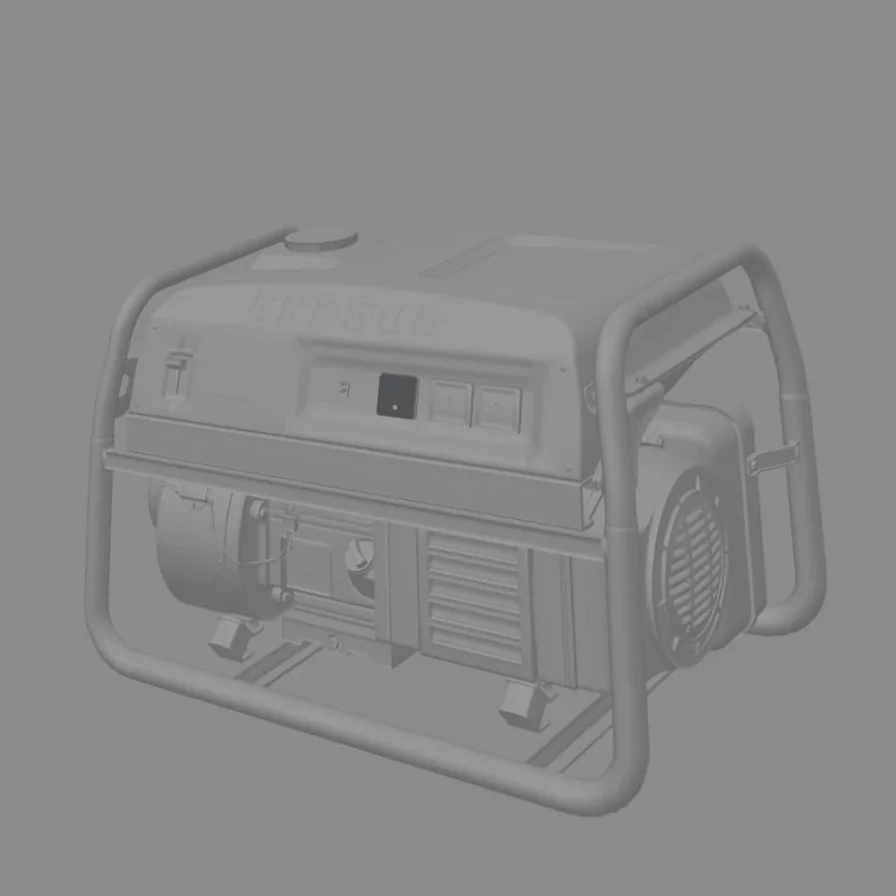
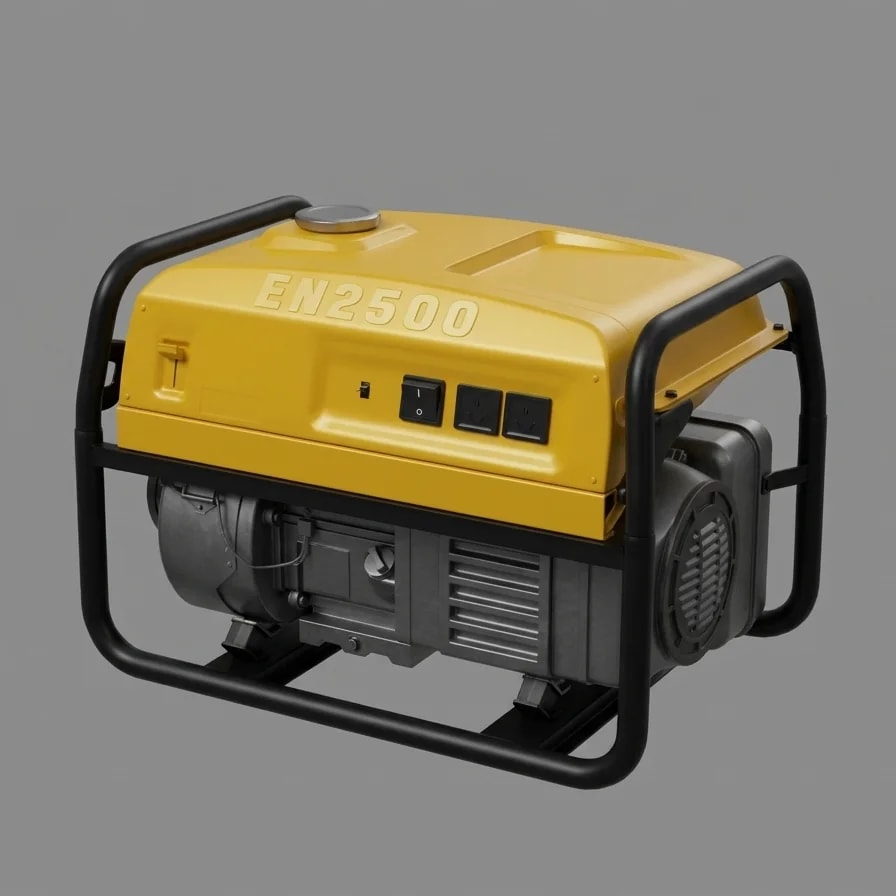
Drag the line across each image to compare the CAD with the finished render.
Bodykits, wheels and full builds in real paint, from a single CAD export. Factory paint codes, aftermarket colours and House of Kolor.
Leather, timber and fabric on the exact shell and frame you designed.
Power equipment with painted enclosures, tube frames and moulded lettering kept sharp.
Workshop and industrial tools in cast, painted and machined finishes.
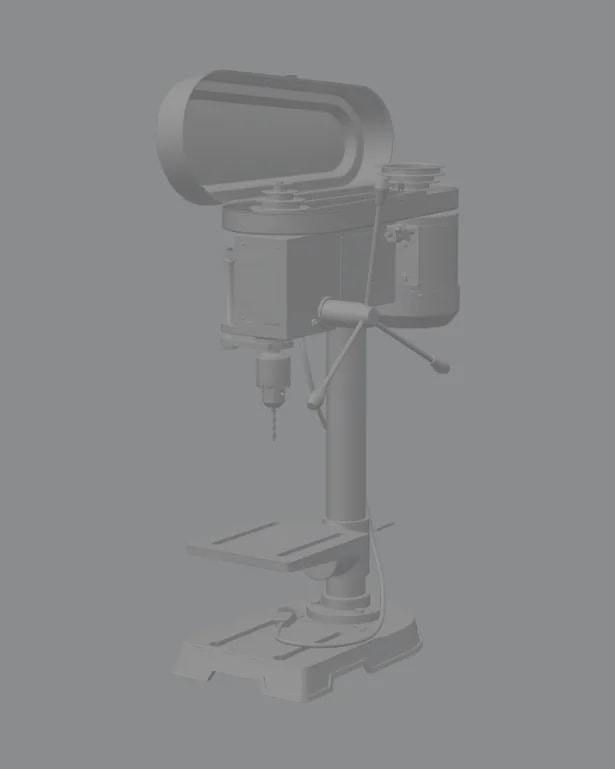
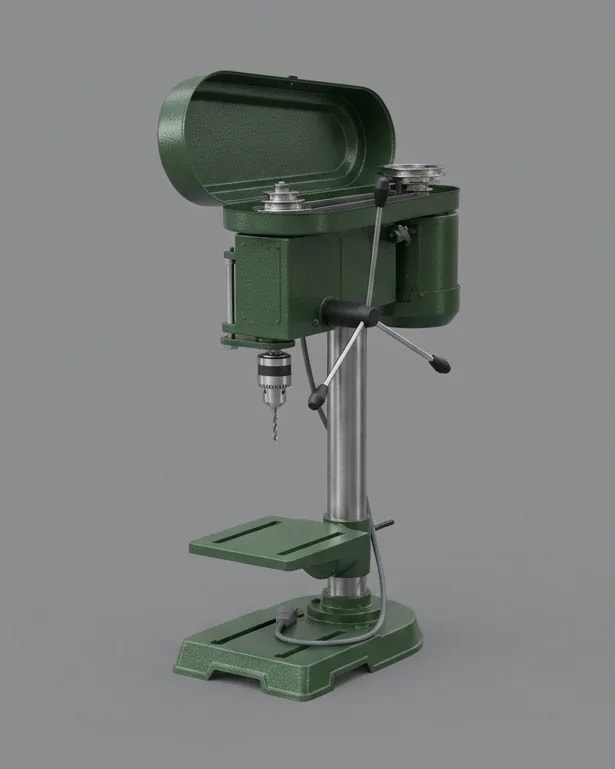
Image tools invent. This one is held to your file.
The photo comes back from exactly the angle you exported. The engine measures the camera first, then renders into it.
Nissan LV4, Porsche M7Z, House of Kolor. The real tin, with its flip and flake.
Carbon wing, bronze wheels, leather seat. A named part gets its own finish and it stops at its edges.
Up to ten views of one model as one photo shoot: same place, same light, same day.
Rooms and streets are planned as a fixed set, so Render again lands in the same spot.
Every render is scored against the outline of your export before you see it.
Front, side, top and rear rendered from the same file, so every view matches. Click each view to render it.
Front, side and rear rendered from the same file, so every view matches.
Three-quarter, side and top. One model, one paint code, no drift between views.
Every card starts as the CAD on the left. Click one to watch it turn into the shot.
A screenshot or export of your CAD view as PNG, JPG or WebP, up to 25 MB. Any background is fine; flat shading, wireframe edges and a grid floor are all read as CAD and replaced. Frame the view the way you want the photo framed.
No. The camera, the proportions and every edge are locked. Only light, material and finish are added. Each render carries a geometry score, the share of your CAD outline the photo kept, so you can see how well it held.
About 25 to 40 seconds for a 2K photograph. Real locations add a couple of seconds while the set is planned.
Yes. Pick a factory code (for example Nissan LV4 Midnight Purple II) or an aftermarket paint by name. The colour, its flip in the shadows and its flake are looked up once and pinned, so every render of that code matches.
Batch shoot takes up to ten views of the same model and renders them as one photo shoot: one place, one light, one day. Re-render any single frame on the same set, or download them all.
Nothing during the public beta, and there is no render limit. Failed renders are given back automatically, and a render that changed your geometry can be reported.
Drop in a CAD screenshot, pick the paint and the scene, and get a photograph of the same design back in under a minute.